Pin what matters mostto your Lock Screen & Dynamic Island
LiveUp turns your Lock Screen and widgets into an information dashboard. Type one line and AI extracts key details so you stay on top without opening the app.
Skip the hassle, see it instantly
Keep key info always in sight
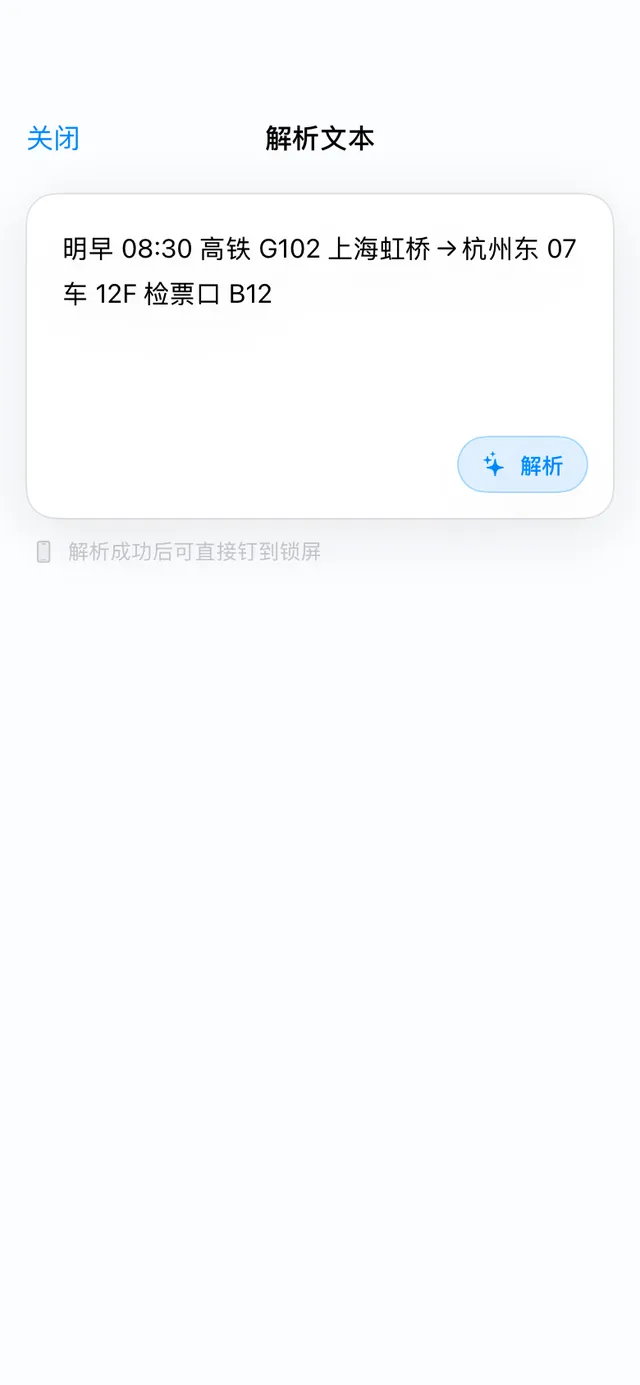
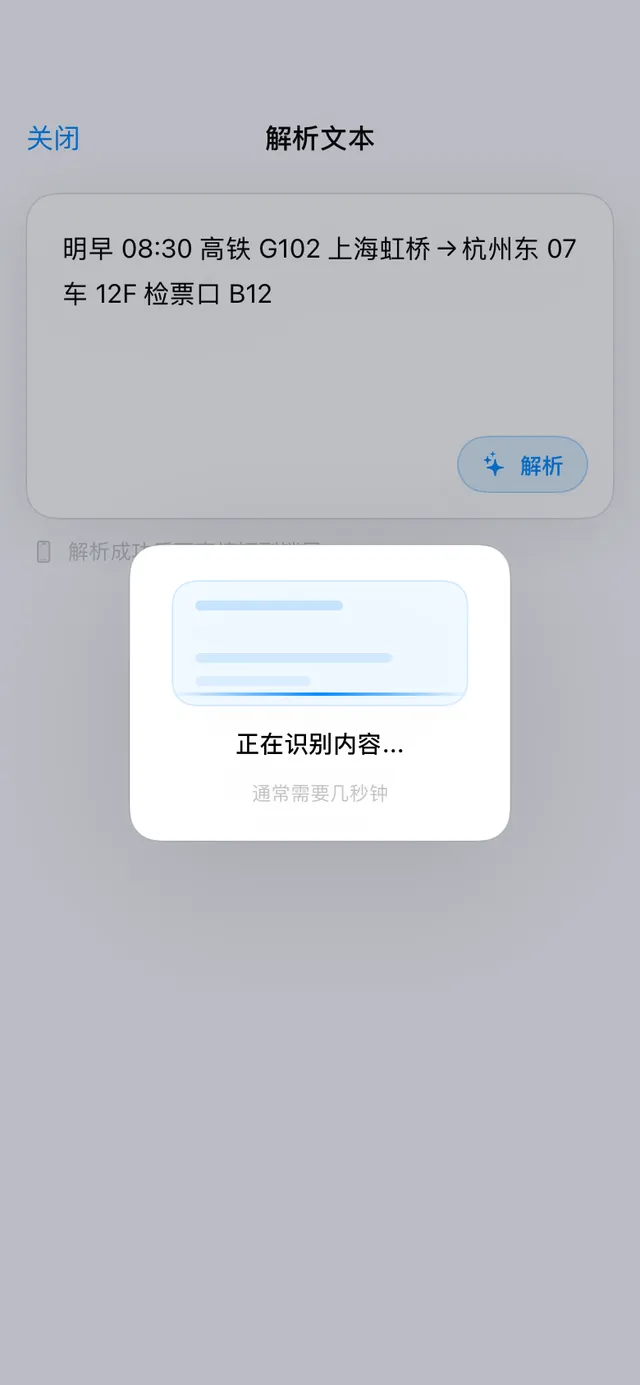
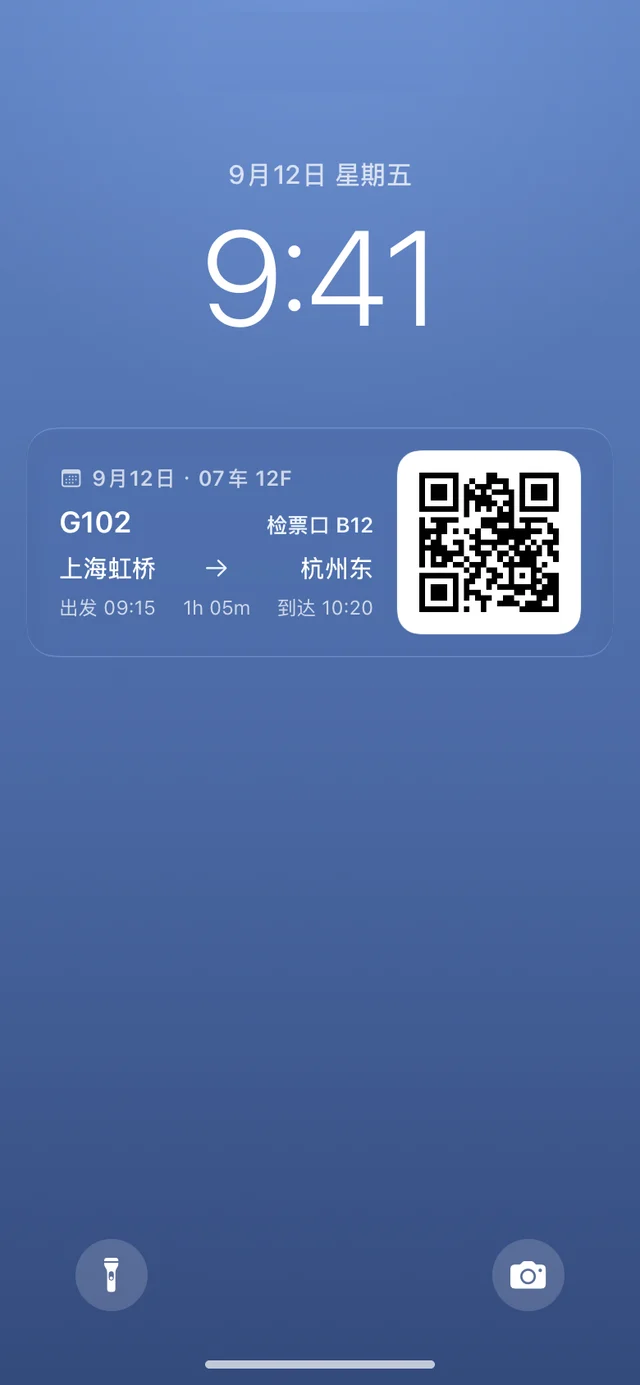
Create, recognize, display, update — LiveUp compresses these four steps into a few taps, and info syncs automatically to your Lock Screen, Dynamic Island, and widgets.
Your Lock Screen, now a dashboard
Flights, pickup codes, timers, and reminders appear right on your Lock Screen and Dynamic Island, with countdowns and status refreshing on their own — no need to open the app.
Many ways to create + smart parsing
Paste text, scan an image, share a screenshot, use Siri, or a widget — create in one step and auto-extract the time, place, and pickup code.
Scheduled to the Lock Screen
Tomorrow's train, the afternoon pickup, tonight's dose — line them up ahead of time and they appear on your Lock Screen right on cue.
Card colors & selectable icons
Pick a light or dark color for in-app cards and Home Screen widgets; the icon picker offers 5 in total, 3 of them Pro.
Even a photo can live on your Lock Screen
Ticket QR codes, pickup-code screenshots, a photo for a note — since 2.0 every activity type can carry an image, so it's right there when you glance down. No more digging through your camera roll.
From one image to your Lock Screen in a few taps
A Live Activity with an image
Live Activities on the Lock Screen always use the system-native style; “Card color” only affects in-app cards and Home Screen widgets.
Create in one tap, anywhere
Paste text, share screenshots, or use voice and widgets. Create in seconds and pin what matters to your Lock Screen.
3 most-used methods
Cover every daily scenario
Jump to common types
Tap a tile to jump straight to the creation screen.
A spot on the Home Screen and the Lock Screen
Two widgets: “Now Pinned” puts what you're currently tracking on your Home Screen and Lock Screen, and “Pin It” lets you create one without opening the app.
Now Pinned
Three sizes reveal more detail in turn; tap the widget to jump straight back to that activity.
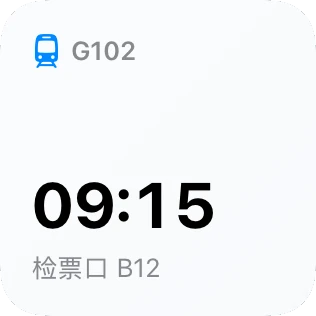 Small · one key value
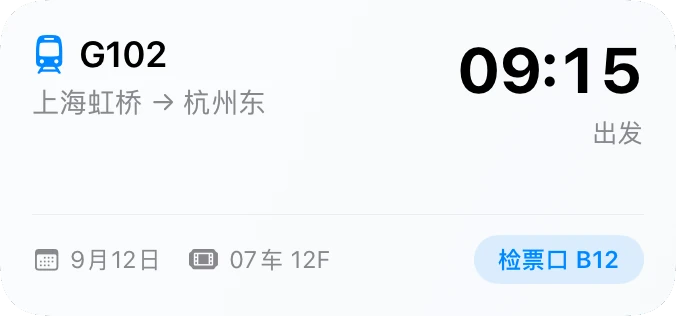 Now Pinned · Medium size (Small / Large too)Medium · full activity card
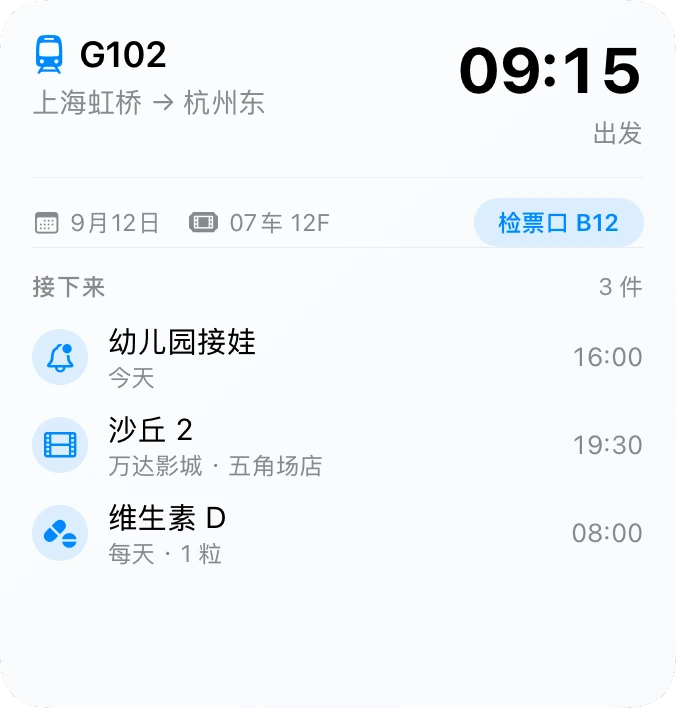 Large · card + what's next
The spot stays after the activity ends
 Rectangular
 Circular
 Inline
Rectangular, circular, and inline styles; reminder activities show a countdown ring. Live Activities end over time — the Lock Screen widget doesn't.
Pin It
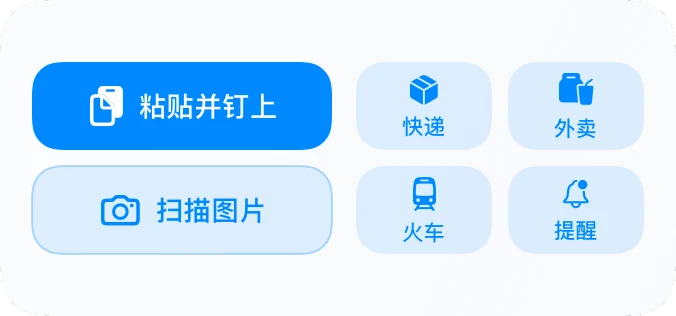
Pin a new activity from the Home Screen without opening the app.
Cover life and work in one place
From travel and pickups to movies and medication, LiveUp creates the right Live Activity and keeps it visible.
Get started in 3 minutes
Four simple steps. LiveUp keeps updating in the background so you spend less time switching apps.
Download LiveUp
Install from the App Store and enable Live Activities.
Create from anywhere
Paste text, scan images, share screenshots, or use Siri. AI extracts key details.
Views auto-generate
Lock Screen, Dynamic Island, and widgets stay in sync.
Check anytime
Track progress, status, and reminders without opening the app.
Free is plenty — upgrade when you lean on it
Nine activity types, unlimited activities, and images on your activities all work on the free plan. Pro unlocks unlimited smart parsing, multi-device sync, and unlimited scheduled Lock Screen activities.
Free
Enough for a few everyday things
- Unlimited activities
- All nine activity types
- Attach images, no limit
- Smart parsing: 3 each for text and image
- Scheduled to Lock Screen: 1
Pro
Annual plan includes a 7-day free trial
- Unlimited smart parsing (text + image)
- iCloud multi-device sync
- Unlimited scheduled Lock Screen activities
- Lock Screen widget & 3 Pro icons
- Future Pro features unlocked as they ship
Lifetime
Best for those who dislike subscriptions
- Pay once, use forever
- All Pro features included
- Future updates included
Download LiveUp now
Keep what matters on your Lock Screen, open the app less, stay productive anytime.